Dream.exe Codes
No verified promo codes yet — bookmark this page and check after every update.
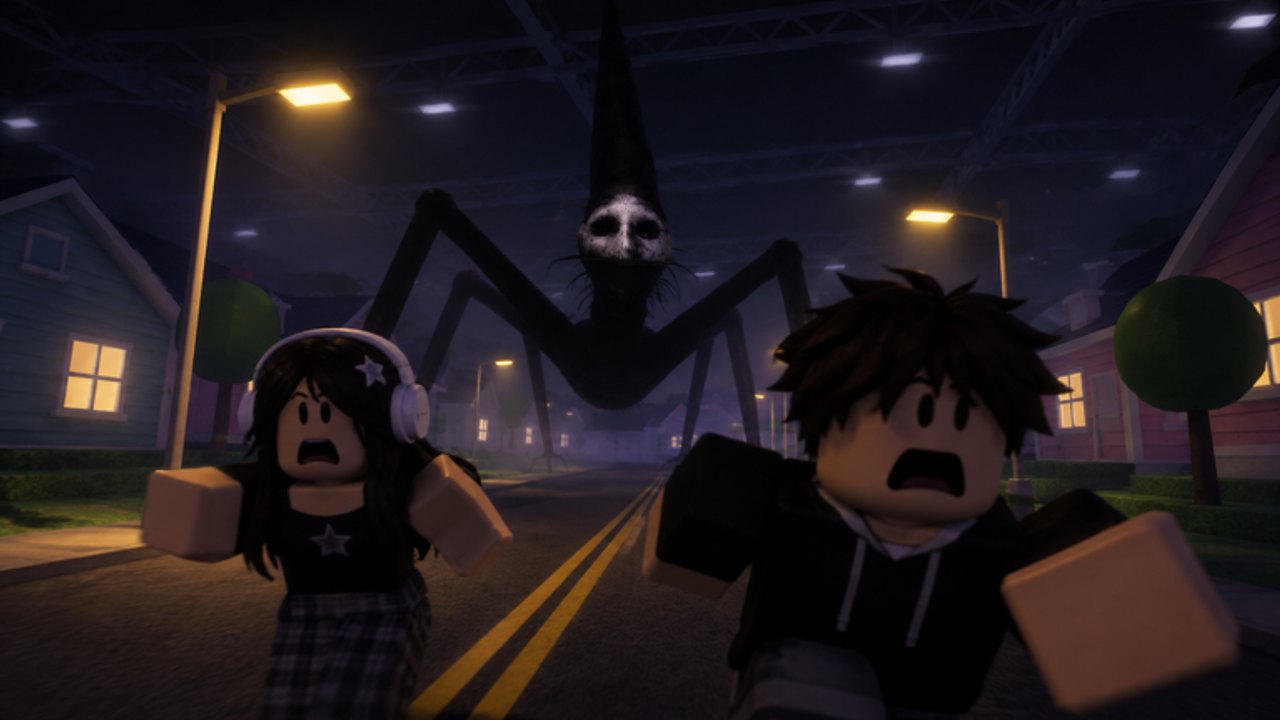
Welcome to the Dream.exe Codes Hub. This page tracks verified Roblox promo codes for Dream.exe by Wintermute67. Right now the honest status is simple: there are no verified working codes for this title. We will not invent strings, paste fake rewards, or list unverified Discord spam. When the creator drops a real code, this hub will list it with reward notes, status, and redemption steps.
Dream.exe is a dreamcore liminal horror survival-escape experience. You collect candles, hunt for the exit, spend coins on upgraded abilities, and try to survive days while something lurks in the darkness. Codes—if and when they appear—usually shortcut early progression with coins, cosmetics, or temporary boosts. Until then, your best progress path is still the loop covered in Getting Started and the early ability priorities on the Tier List Hub.
Active codes
| Code | Reward | Status | Notes |
|---|---|---|---|
| — | — | None verified | Recheck after updates and creator posts |
If a table row appears here later, treat only codes listed as Active as safe to try. Codes that fail with an invalid or expired message should move to the expired section below once confirmed.
How to redeem codes (when they drop)
Need the long checklist? Read the dedicated How to Redeem Dream.exe Codes guide for HUD hunting, case-sensitivity rules, scam avoidance, and where to watch Wintermute67. The short version:
- Launch Dream.exe from the official Roblox experience page and join a live server (server size is 20).
- Look for a Codes, Twitter/X, Gift, or Shop button on the HUD—often a small icon along the left or top edge.
- Open the panel, find the text field labeled for codes or promo strings.
- Type or paste the code exactly as published (watch capital letters, numbers, and underscores).
- Confirm redeem, then check inventory, coin balance, or ability shop for the reward.
- If nothing happens, leave and rejoin once; still nothing means the code is invalid, already used, region-locked, or expired.
Never pay a third party to “generate” codes. Never redeem codes from random Discord DMs that also ask you to run a script or visit a phishing site. Official-looking rewards that require your Roblox password are always scams. For deeper redeem troubleshooting, stay on How to Redeem.
Where to watch for new codes
Codes for new Roblox horror titles usually appear in a few places first. Bookmark these and cross-check before trusting a screenshot:
- The official game page description and update posts for Dream.exe.
- The creator profile for Wintermute67.
- In-experience announcements after patches (see the Updates Hub and the November 2026 launch notes).
- Reputable community highlight videos—always verify the string yourself in-game rather than copying from a comment section.
When a drop is confirmed here, we will also mention it from related hubs so you are not hunting five pages. Pair code rewards with smart spending: early coins are better invested using the role framework on Ability Tier List than dumped into every shop option at once.
Expired and unverified codes
| Code | Former reward | Status |
|---|---|---|
| — | — | No expired list yet — the game is newly launched |
We keep this section empty on purpose until a real code cycles out. An empty expired table is better than a fake “UPDATE100” style filler list. If you see a code circulating on social media that is not listed as Active above, treat it as unverified. Test only if you accept that it may already be dead, and never combine code hunting with unofficial executors—read the Scripts Hub safety notes first.
Codes and progression tips
Even without promo codes, you can accelerate early runs:
- Prioritize candle collection routes and exit awareness before luxury purchases—see Getting Started.
- Spend coins on mobility, light/vision, or detection roles that match how your lobby plays—overview on the Tier List Hub, details on Ability Tier List.
- In full 20-player servers, coordinate so one player is not hoarding every pickup while others die in the dark—Players Hub and Team Roles.
- After each patch, re-check this page and How to Redeem; launch-era games often add a codes UI in a later content drop alongside the public [More levels on the way!] promise.
Reporting a working code
If Wintermute67 publishes a code and this page still shows none, compare the source to the official game page or creator profile. Prefer primary posts over repost accounts. Once we can reproduce a successful redeem, the Active table updates with reward text and a short note. Until reproduction succeeds, the honest line remains: no verified Dream.exe codes yet.
For official links and creator profile shortcuts, use the Links Hub. For patch timing that often accompanies code drops, stay on the Updates Hub.
Frequently Asked Questions
Quick answers for Dream.exe survivors.
Are there any working Dream.exe codes right now?
No verified promo codes are confirmed for Dream.exe yet. This hub stays empty on purpose until a code can be reproduced in-game from an official or clearly primary source.
Where will Dream.exe codes be redeemed?
Most Roblox experiences use an in-game Codes, Gift, or Shop panel with a text field. When Dream.exe adds or documents that UI, follow the step list on this page and enter the string exactly as published.
Where should I watch for new codes?
Check the official Dream.exe Roblox page, Wintermute67’s creator profile, in-game update notices, and then this Codes Hub after we verify a redeem.
Why don’t you list codes from Discord or TikTok comments?
Unverified strings are often expired, mistyped, or tied to phishing. We only list codes after a clear primary source and a successful redeem check whenever possible.
Do codes replace learning the candle and exit loop?
No. Codes—if they appear—are a bonus. Survival still depends on candles, exit awareness, ability spending, and teamwork. Use Getting Started and the ability tier pages alongside this hub.